Step 1: Find a Lawyer
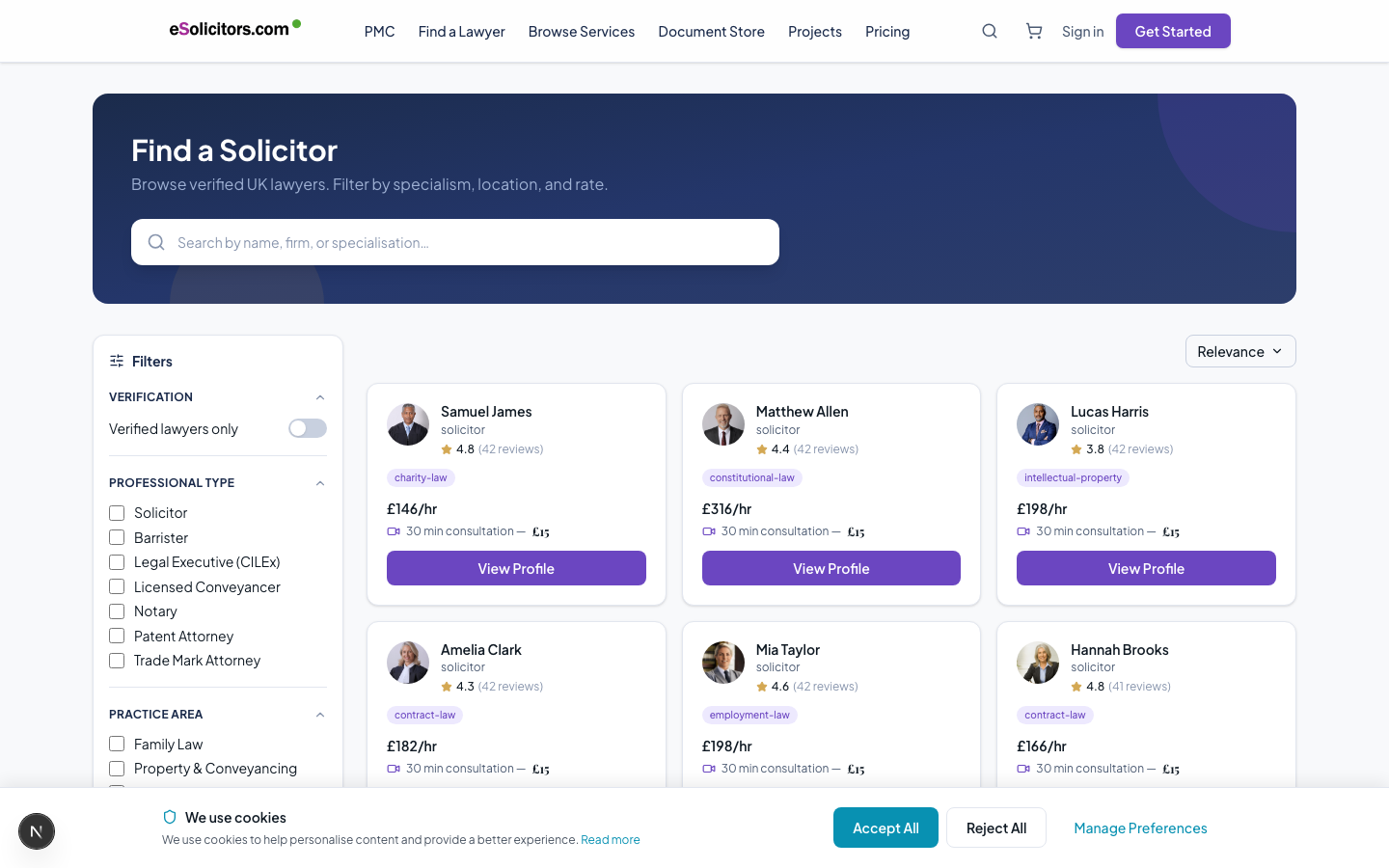
Option A: Browse the Directory
Go to esolicitors.com/lawyers. Use the filters on the left:
- Practice area - select your legal area (employment, family, property, commercial, etc.)
- Jurisdiction - where you are based and which legal system applies
- Hourly rate - set your budget range
- Verification level - choose Enhanced for the most thoroughly checked lawyers
Click any lawyer card to view their full profile.
Option B: Search
Use the search bar at the top of any page. Type your legal issue in plain English (e.g., "divorce proceedings", "employment contract dispute", "house purchase").
Results show matching lawyers, practice areas, and services in a dropdown. Click any result to go directly to that page.
Option C: AI Matching Wizard (Recommended)
Go to esolicitors.com/find-a-lawyer.
Answer 4 questions:
- What type of legal matter? (select from list)
- Specific sub-area (e.g., "unfair dismissal" within employment law)
- Jurisdiction
- Budget range
The AI scores all eligible lawyers against your criteria and shows the top 3 matches with explanations.
Reading a Lawyer Profile
On a lawyer's profile, check:
- Verification badge - Gold (Enhanced) is the highest
- Jurisdiction badges - confirmed where they can practise
- Reviews - client feedback from past matters
- Services - specific services they offer with pricing
- Hourly rate - their standard rate
Next: Book a Consultation →